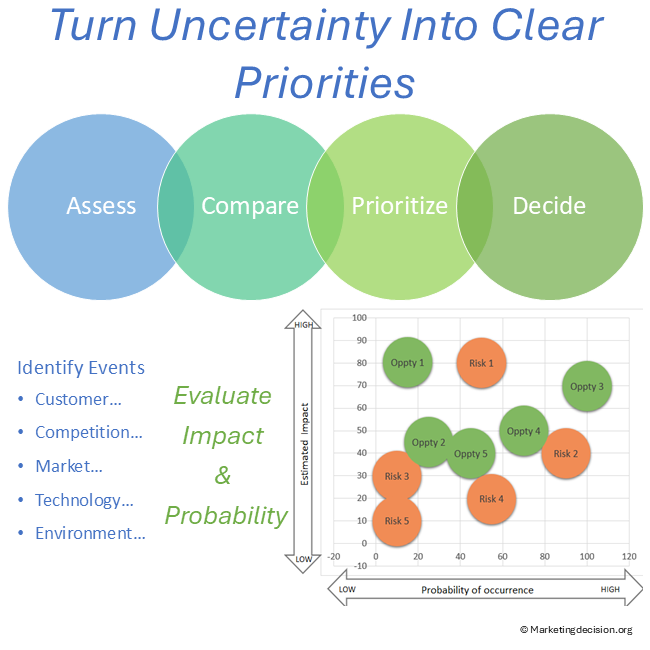
Risks and opportunities rarely arrive neatly ranked. A new competitor, changing customer demand, emerging technology, regulation, or market disruption can all affect the business differently.
The challenge is not simply to identify these events. It is to determine which deserve attention and what should happen next.
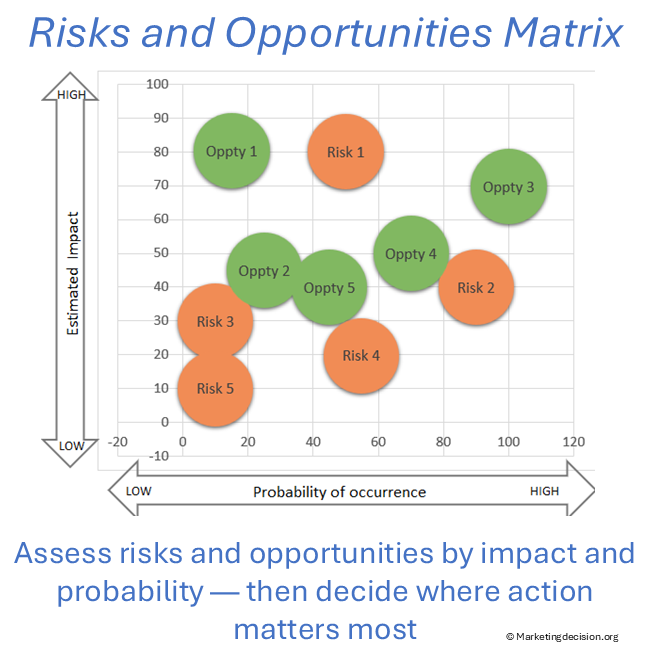
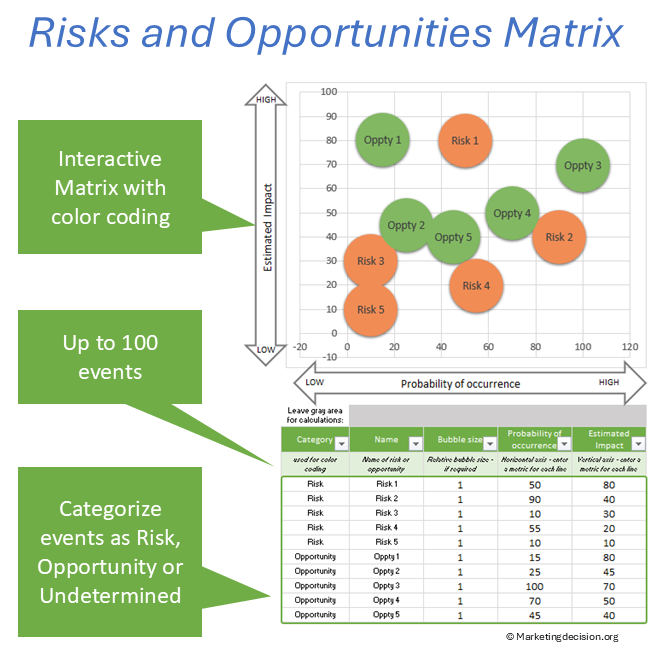
The Risk and Opportunity Matrix helps you evaluate events using two understandable dimensions — impact and probability — and position them together in a visual landscape.
You can then compare events, identify priorities, and focus the discussion on the decisions that matter.
From a list of uncertain events to a shared view of priorities.
Build a structured list of risks, opportunities, or uncertain events and display the selected events directly on the matrix.
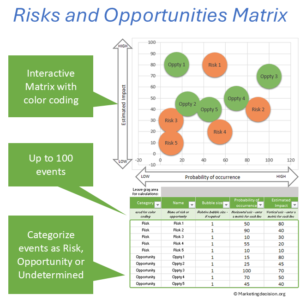
Use customizable scales to position events according to their estimated impact and probability of occurrence.
Categorize events as Risk, Opportunity, or Undetermined, or use categories that fit your own analysis.
This is particularly valuable because the same external development may represent a threat in one situation and an opportunity in another.
Use the visual position of events to compare priorities and support discussions about where attention or action is required.
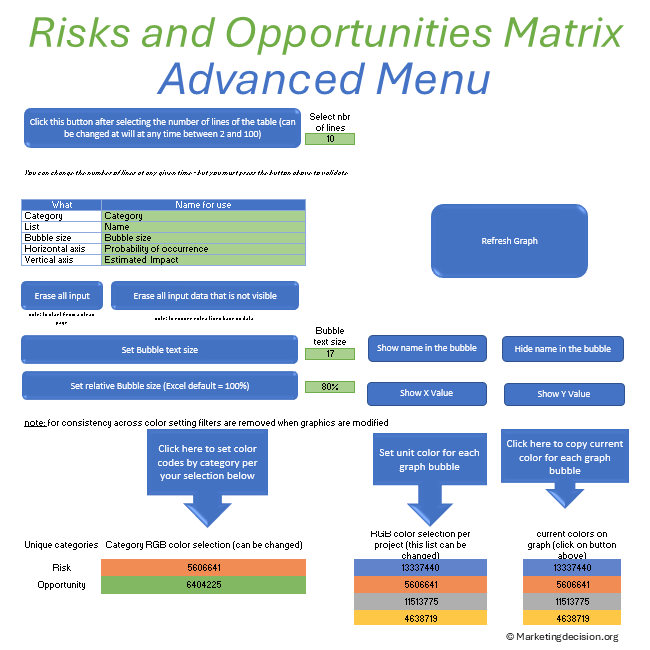
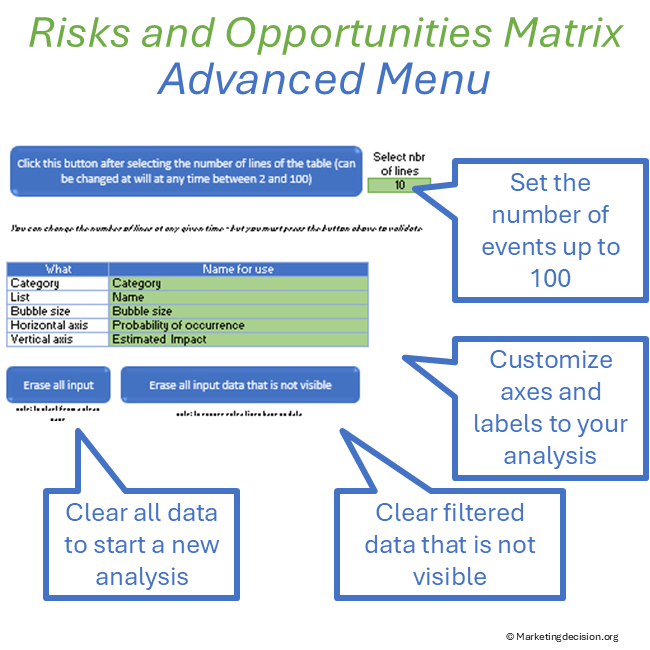
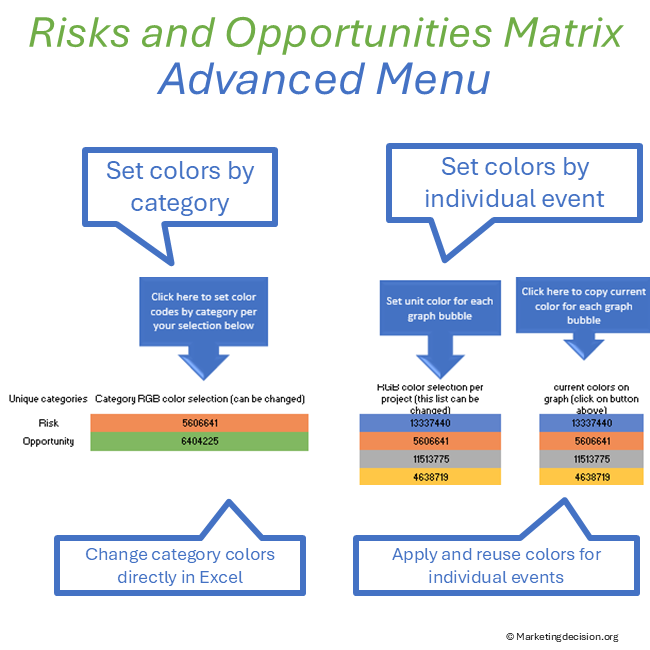
Customize axis definitions, labels, categories, display settings, and colors to reflect your analysis.
The methodology provides the framework. The Excel application makes the method practical in a real discussion.
Enter your events, assess impact and probability, choose what to display, and the matrix updates the visual picture.
Display selected events on an impact-versus-probability matrix and update the visualization as your assessment changes.
Work with 2 to 100 events and filter categories to concentrate the analysis on selected risks, opportunities, projects, business areas, or scenarios.
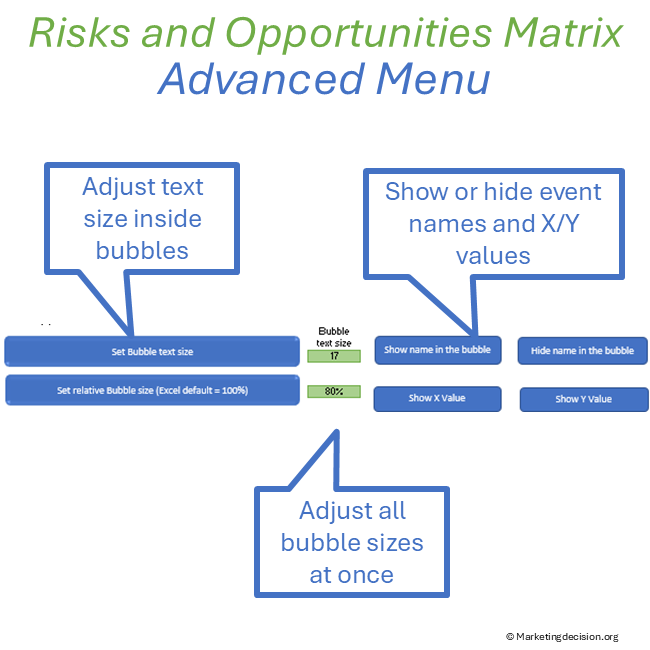
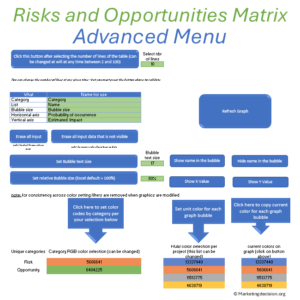
Show or hide event names, adjust text size, change the overall bubble display size, and display axis values according to the needs of the discussion.
Use colors to distinguish risks, opportunities, undetermined events, or your own categories.
Adjust axis definitions, legends, input ranges, categories, and visualization settings.
You also have access to the embedded macros, allowing the application to be adapted further when required.